
 contact
Changes to your contract details
更新日:2026年1月22日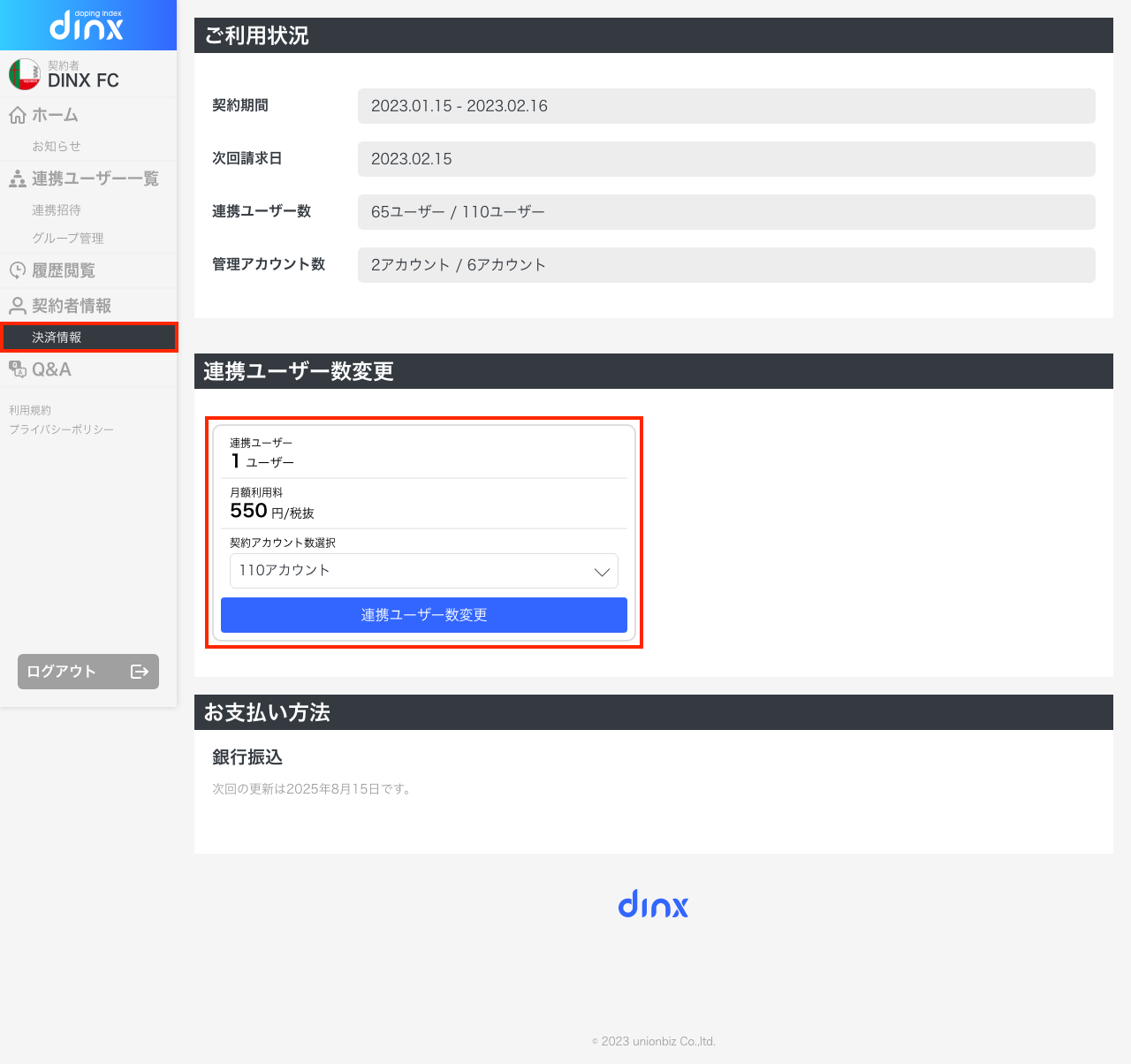
[For credit card payments]
You can change the number of linked users from the administration screen.
Please change it from [Subscriber Information] in the left menu of the administration screen.
[For bank transfers]
You can apply from the [Contractor Information] menu on the left side of the management screen.
Once we confirm your application, we will change the number of contracted users.
If the number of users increases, it will become available once we confirm receipt of the difference.
If the number of users decreases, no charges will be incurred, and the price will be changed and billed from the next invoice.