
 contact
Group management of linked users
更新日:2026年1月22日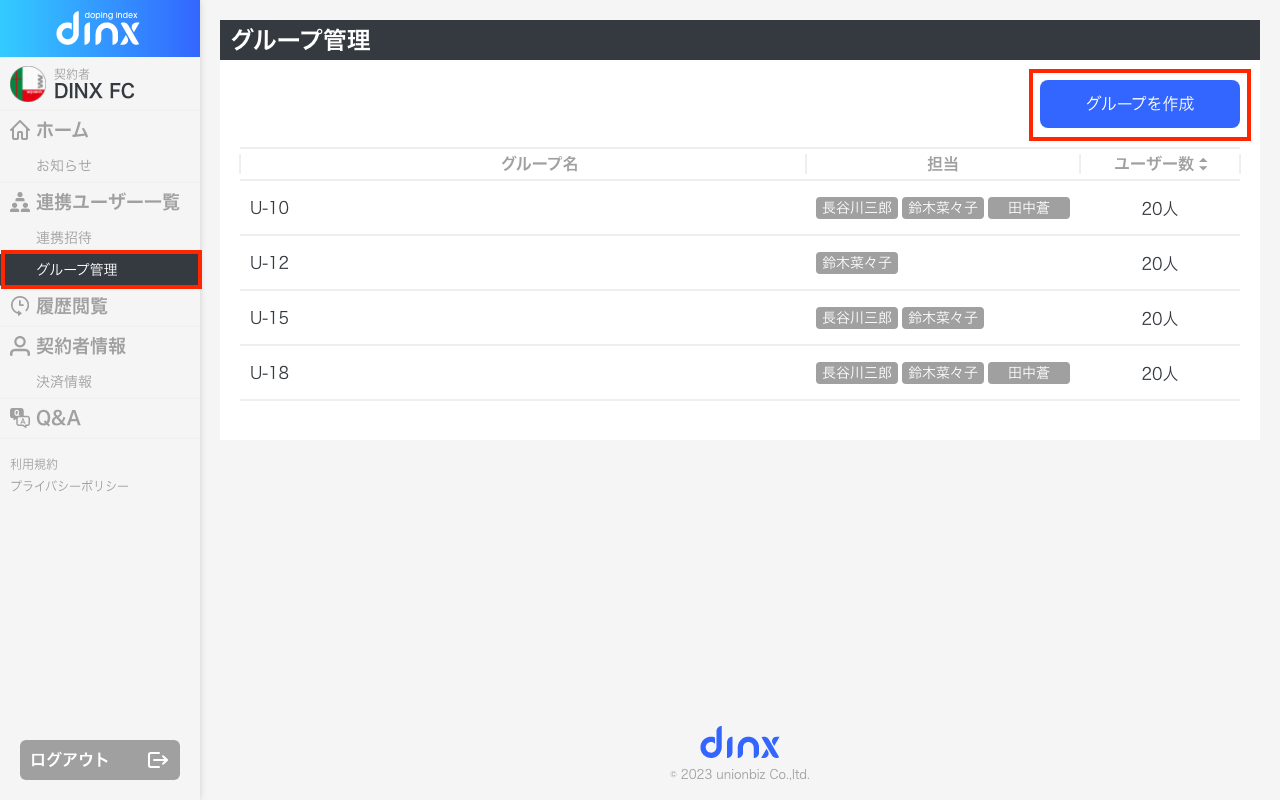
It is possible to group and manage linked users.
Furthermore, administrators can only manage users within their assigned group.
① Create a group from the left menu [Group Management] > [Create Group].
② Once the group is created, select the group you created in the group list and select the users you want to add to that group from "Add Users".
③ Select the group's person in charge and click [Change] to complete the group setup.